how-to-apply_header_image_2025

How to apply
Check out our tips and insights to help you succeed in the hiring process.
​​​​​ABB is an equal opportunity employer, encouraging diversity in the workplace.

All over the world, we look for talented individuals who are ready to help run what runs the world, and we’re here to guide you through your ABB application with confidence – offering clear tips on finding the right role, applying with impact, and preparing for interviews so you can show your strengths at every step.


What to expect when you apply?

Your engaging subtitle goes here. Provide a brief description or engaging subtitle that captures the essence of your content and encourages users to explore further. This text should be concise yet informative.

01 Find your job

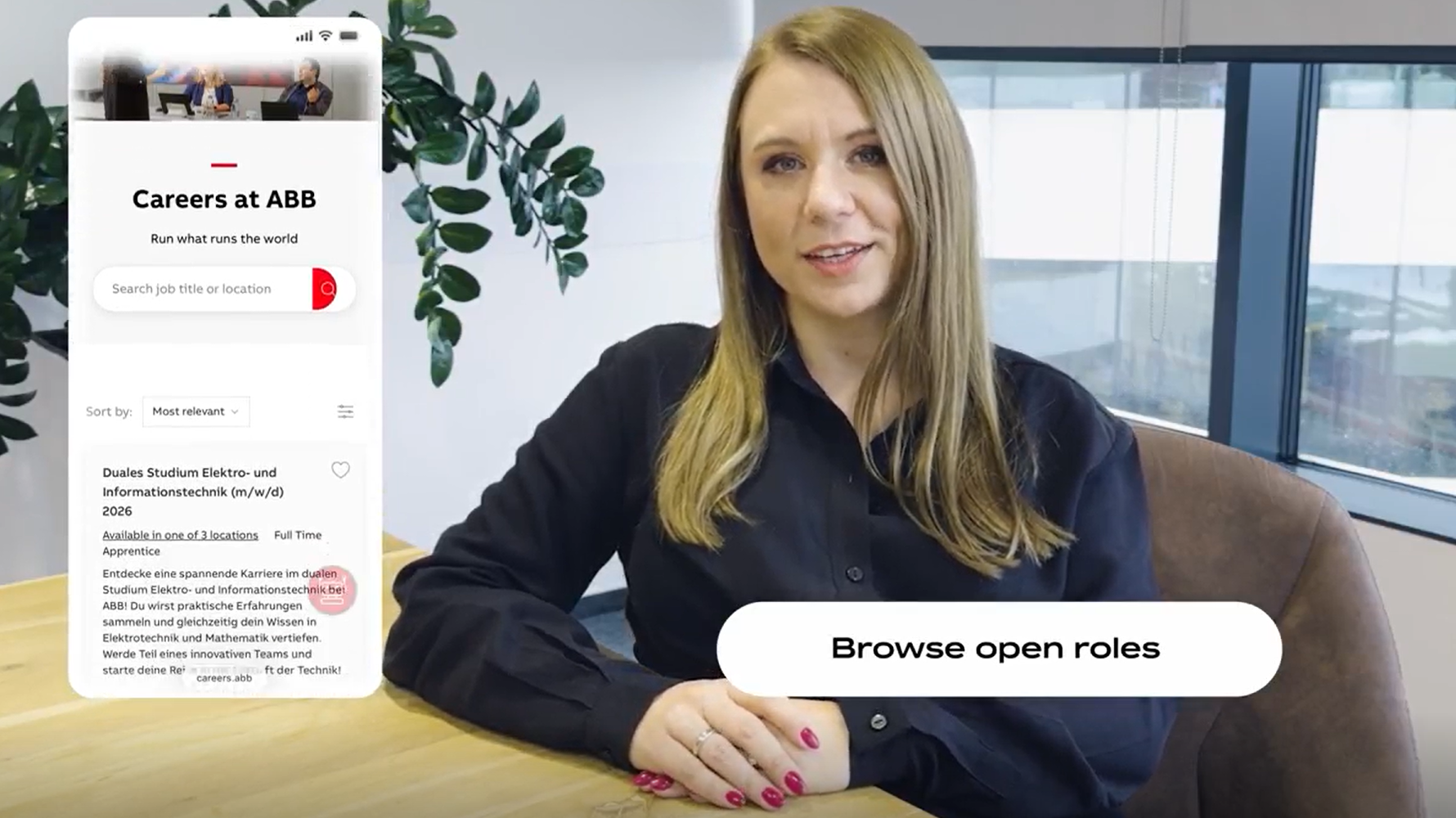
Browse open jobs or get recommendations based on your skills and interests. Explore open jobs here.

02 Create a job alert

Nothing interesting for you this time? We are sure another opportunity will come up. Stay informed and sign up for our job alert or our ABB Talent Community.

03 Apply to a position

Complete your application details and upload your required documents. If you like, you can pre-fill your application with data from your CV or from LinkedIn - quick, lean, efficient.

04 Prepare for interviews

Depending on the position, you might be invited to an initial video interview or assessment, followed by a series of interviews with HR and hiring managers to dive into your background, motivation, skills and cultural fit.

05 Get feedback

After the interview process you'll get feedback from HR or the hiring manager. If the feedback and the compliance checks are positive you will receive a job offer. Then you only need to accept and help run what runs the world.


Get ready to move forward — hear it from the team

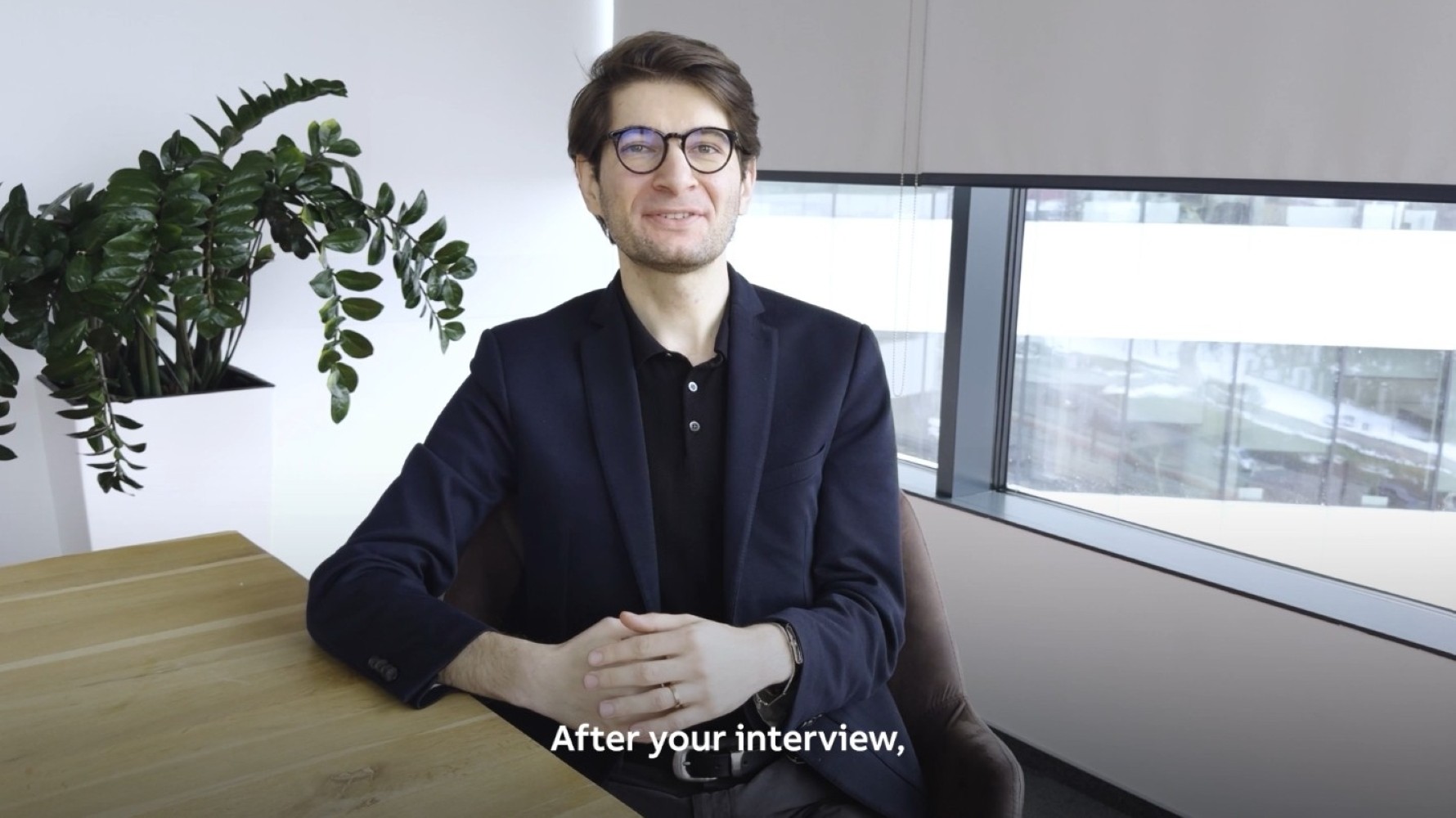
Get quick, practical guidance from our Talent Partners as they share exclusive insights. Each episode highlights ways to identify roles that fit your skills, craft a strong application, prepare effectively for interviews, and present yourself with confidence – helping you stand out at every step.
Transcript
Transcript

Before you apply

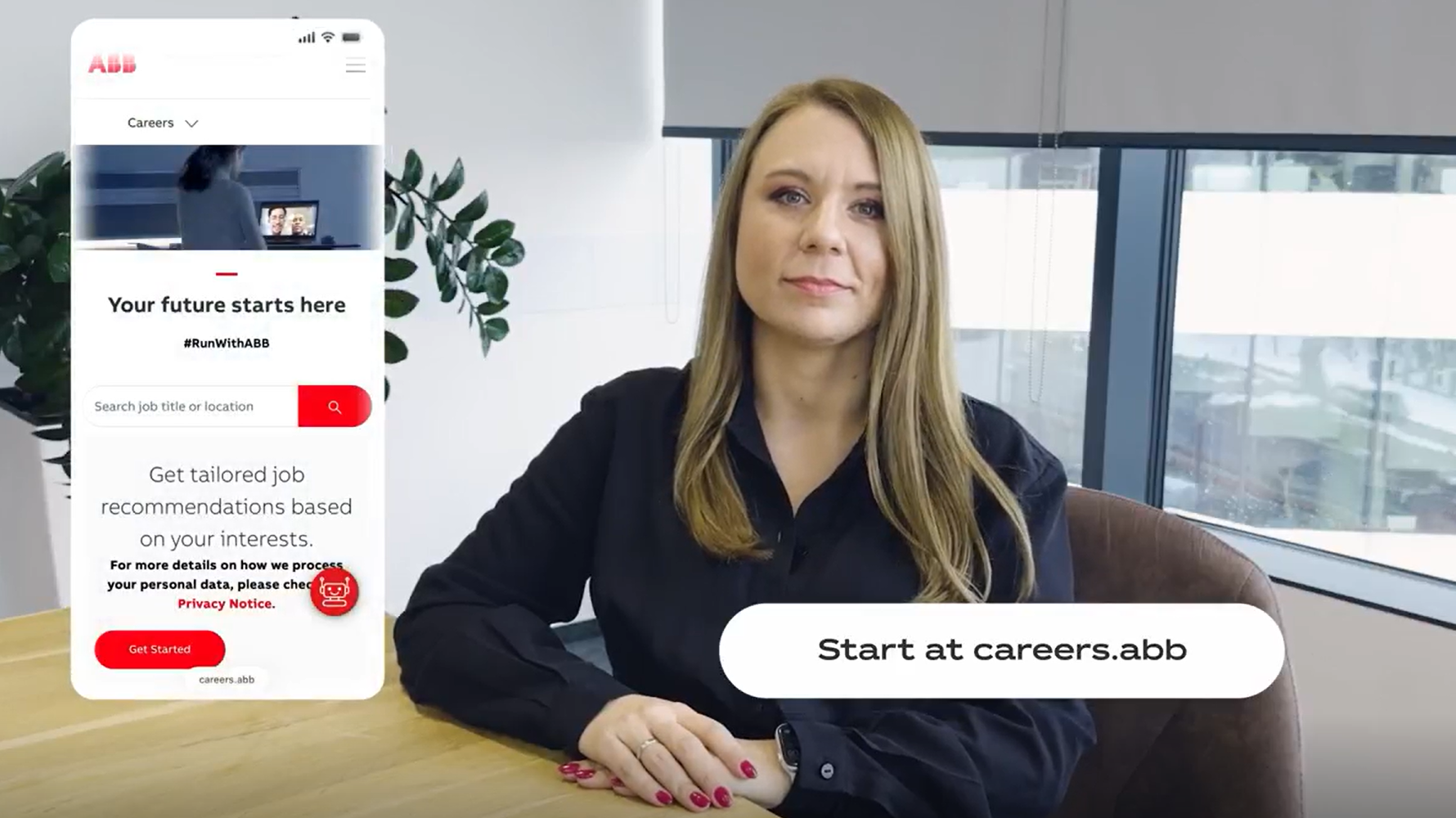
If you're curious about working at ABB, our career website is the perfect source. You can explore our values, get a feel for our culture and learn more about general benefits. When you think ABB could be the right place for you, you can look at open roles to see what might be a good fit for you.

Find a position: Visit our job search and browse available opportunities. Use the search function to filter for roles that match your interests and qualifications.

Your engaging title goes here

Your engaging subtitle goes here. This text should capture attention and provide a brief overview of engaging content that awaits users in this widget.

All open jobs will be posted on our job search page of our career website. If you filter for contract type, you will see open vacancies based on your work experience.

If there's currently no job available that fits your criteria, you have the following options:
  1. Create a job alert: Get tailored job recommendations based on your skills and interests.
  2. Join our ABB Talent Community: Join our network for personalized job recommendations and learn more about life at ABB with our latest news and updates.

During your application process

Have you found a suitable position and are ready to apply? Great, we look forward to receiving your application.

There are different ways to apply for a position. You can either fill out the application manually or upload your CV and we will pre-fill the application for you. Alternatively, you can apply using your LinkedIn profile.

Your engaging title goes here

Your engaging subtitle goes here. This text should capture attention and provide a brief overview of engaging content that awaits users in this widget.

  1. Apply online: If a position suits you, click 'Apply now'. You'll be redirected to the application page where you can enter your details.
  2. Complete all mandatory steps: Fill in the required information and upload necessary documents. Ensure all mandatory fields are completed.
  3. Submit your application: Once everything is filled out, click 'Submit'. You'll receive a confirmation email shortly, confirming that your application has been successfully submitted.
  4. Create an account on Workday: Within your account all your previous applications will be stored including the current application statused.

If you want to check at which stage your application is, please follow these steps:
  1. Log in to your Workday account.
    Note: If you don't have an account yet, please register using the same email address that you used for the application.
  2. Navigate to "Candidate Home".
  3. Scroll down to the section "My Applications".
  4. View all your submitted applications with their current status

Please note: Due to the high volume of applications we receive, it may take some time for your application status to be updated. We carefully review each candidate to ensure the best match for the position. Thank you for your patience during this process.

If you’ve been informed that you are moving to the next stage of recruitment but haven’t received an interview invitation, here are possible reasons and actions:
  • Invitation not yet sent: Sometimes there is a short delay between the decision and the system sending the invitation. Please allow some time for processing.
  • Technical or email issues: The invitation email may have gone to your spam/junk folder. Check there and ensure your email address is correct in your candidate profile.

If you need further help, please contact the support team using the mailbox address provided in your interview invitation email or reach out to your Talent Partner for assistance.

If you are unable to choose a time slot in the Interview Scheduler, it may be due to one of the following reasons:
  • All available slots have already been booked.
  • The scheduling window has expired:
  • The job requisition status has changed.

If you need further help, please contact the support team using the mailbox address provided in your interview invitation email or reach out to your Talent Partner for assistance.

If your application has progressed and you have been selected for a remote interview, you will receive a final invitation email with all the necessary information you need before the interview.

How to access your interview link:
  • The link for the interview is shown at the bottom of the email content.
  • You will also receive a calendar placeholder with the meeting details.
  • The interview will take place via Microsoft Teams.

Steps before the interview:
  1. Click on the Microsoft Teams interview link 10 minutes prior to the scheduled time in order to select how you prefer to join.
  2. Type your name when prompted.
  3. Choose your audio and video settings: Turn on your microphone and camera. Test your audio and video before joining.
  4. Select 'join now'.
  5. Depending on the meeting settings, you'll either get in right away, or go to a lobby where someone in the meeting will admit you.

Note: Please ensure you have a stable internet connection and test your equipment before the interview time.

Try these solutions:
  1. Verify you're using the correct ABB Workday URL.
  2. Clear browser cache and cookies.
  3. Try a different browser (Chrome, Firefox, Edge, Safari).
  4. Check your internet connection.
  5. Reset your password.

To reset your password:
  1. Go to Workday login page.
  2. Click 'Forgot Password'.
  3. Enter your email address.
  4. Check email for reset link.
  5. Create new password following security requirements.
  6. Log in with new password.

Check spam folder if you don't receive the email.
Have you read our Fraud Warning?
Click here and learn how to recognize a true ABB employment offer.